Skip to content

US business website design

Computer Repair Website Design With a Practical Page Plan

Make supported devices, repair categories and the assessment process clear before a customer contacts the business. The website should help route a suitable inquiry while keeping account access and personal files out of the public request journey.

Start your website plan

Plan the website in three taps

Choose what you need, then tell us where to send the plan.

  1. 2. What you need
  2. 3. Your details

Computer repair

What would you like help with?

Tap the closest match. The detail can come later.

Design walkthrough

Inside a computer repair website design

Fictional US design demo

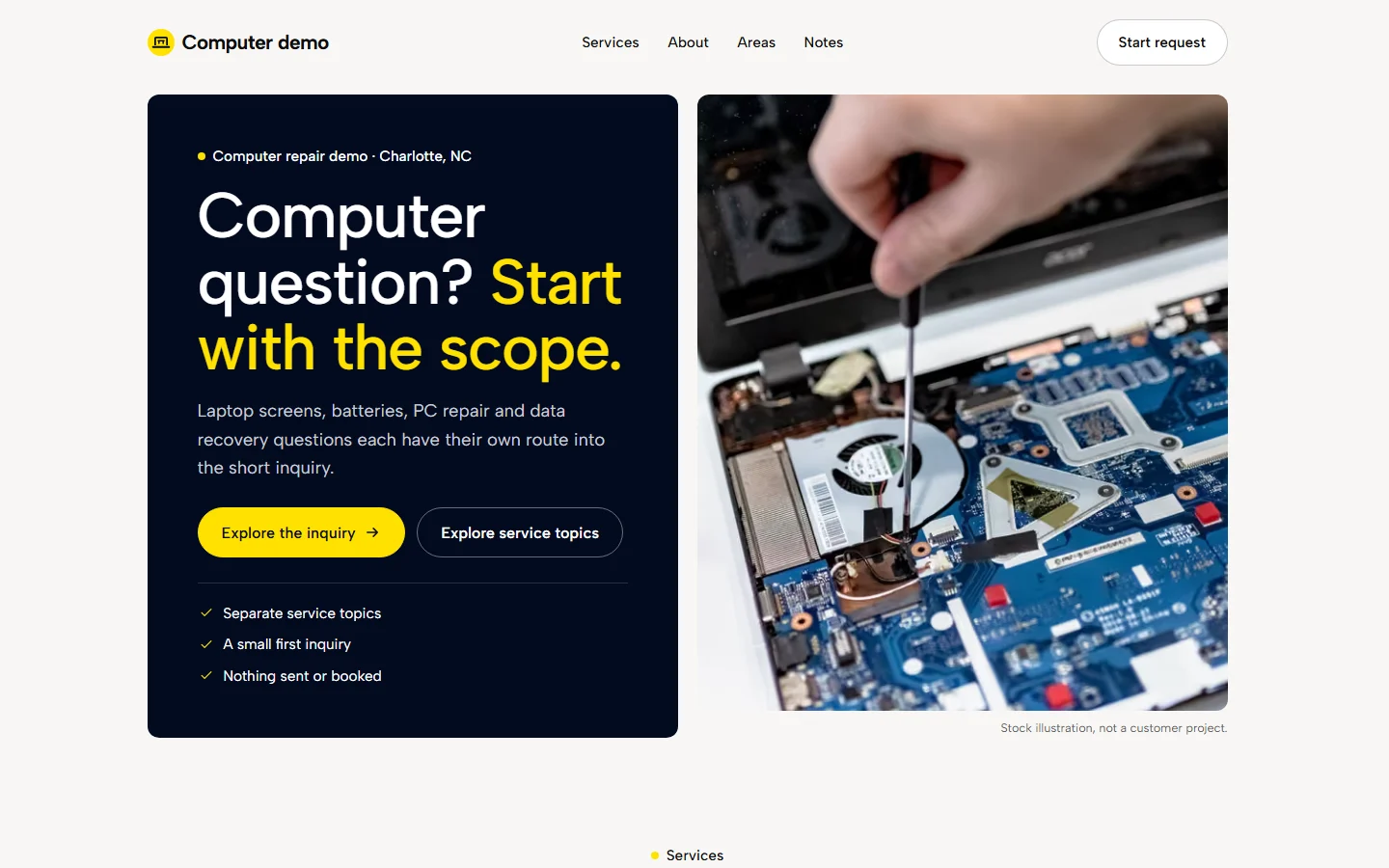
computer repair US demo homepage on a desktop screen.
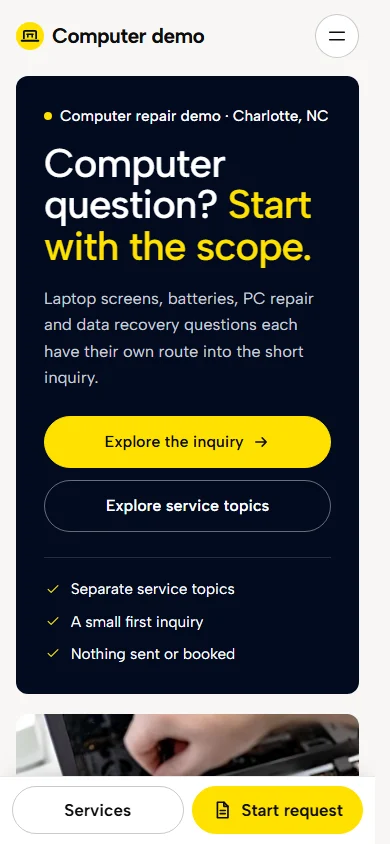
computer repair US demo homepage on a phone.

A fictional business with stock photography. These captures show the US demonstration, with no customer results or business credentials implied.

Explore the protected demo
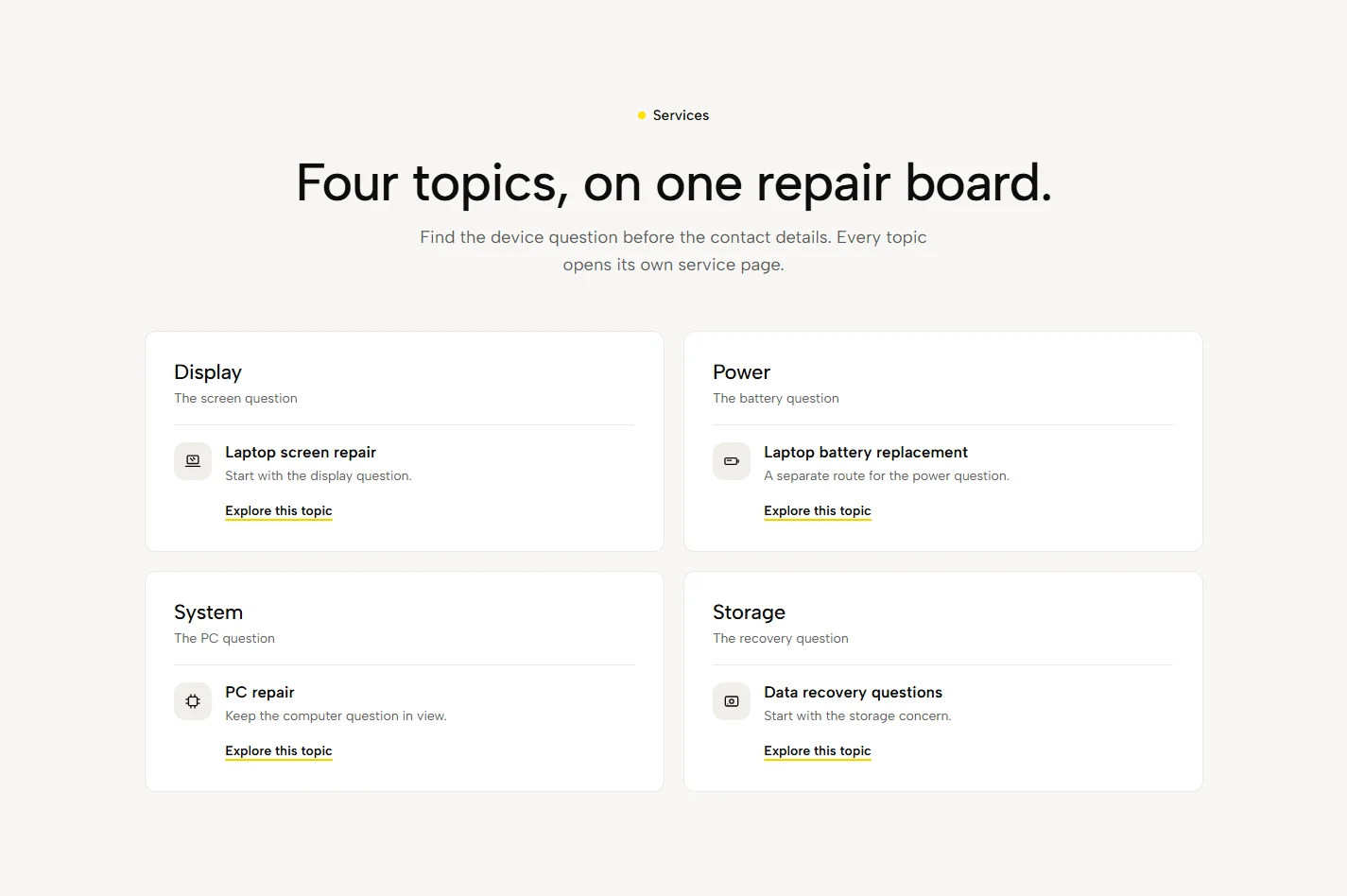
computer repair US demo: service choices.

01 / Service choices

Make laptop repairs easy to find

Laptop repairs and troubleshooting provide clear starting points. The layout gives each service space to explain the work, then links the visitor to the relevant request route. The page list is agreed around the business's actual services.

A separate route for each service
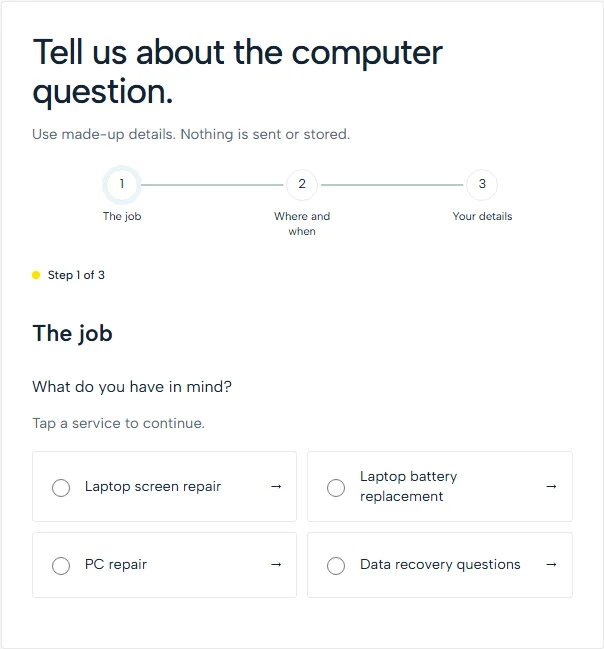
computer repair US demo: a simpler inquiry.

02 / A simpler inquiry

Keep the first decision small

Start with the issue without passwords or private files. The demo asks for a service and timing before contact details; a service-page entry carries the selected service into step two. It sends and saves nothing.

Tap choices before contact details

computer repair US demo: context before contact.

03 / Context before contact

Answer the question behind the visit

Start with the device and initial assessment. Use this space to explain the process, location or next appointment step. Publish genuine service limits and business information, with credentials and specialist intake reviewed before launch.

Useful information before the inquiry

Organize the work you want to receive

Separate hardware repair, software support and other actual services. Explain supported systems and how a diagnostic assessment leads to an agreed repair. Data recovery, managed support and emergency availability require their own accurate scope; they should not be implied by a broad repair headline.

Make the request useful to your team

Ask for device type, symptoms and an appropriate reply method. Do not request passwords, recovery keys or private files through a generic inquiry form. Explain how the business provides approved intake instructions and obtains authorization before accessing a device or carrying out work.

Use evidence that belongs to the business

Show real repair capability without exposing customer screens, serial numbers or personal data. Confirm qualifications and any manufacturer relationship. A useful case description focuses on the agreed task and outcome that the business can document, with permission for the public details.

Review the details for your actual services

FTC data-security guidance is relevant to collecting and handling customer information. Review the actual intake, access, retention and disposal workflow rather than assuming a website template establishes security. Any remote support, payment or repair-tracking integration needs a confirmed system and separate testing.

The proposal records the page list, supplied material, external systems and handover responsibilities. We check the agreed mobile request journey before approval. Licensing, specialist software, payment processing and ongoing marketing need their own confirmed scope.

Website scope and starting prices

Choose a starting point. Confirm the scope.

Your proposal sets the page list, features and final price. You review the agreed website before payment, with launch after cleared payment.

Starter

From $399

One-time website project

A focused single page for a business that needs a clear place to send prospective customers.

  • One page organized around your services
  • An estimate request route
  • Your approved photos and business information
Discuss this website scope

Essentials

From $799

One-time website project

Up to five pages to explain your business, show genuine evidence and guide customers toward an inquiry.

  • Up to five pages with an agreed page list
  • Service, company and contact information
  • Space for genuine customer reviews
Discuss this website scope

Business

From $1,325

One-time website project

A broader site for businesses with several services, real project material and a larger service area.

  • The Essentials scope with additional agreed pages
  • Separate explanations for your services
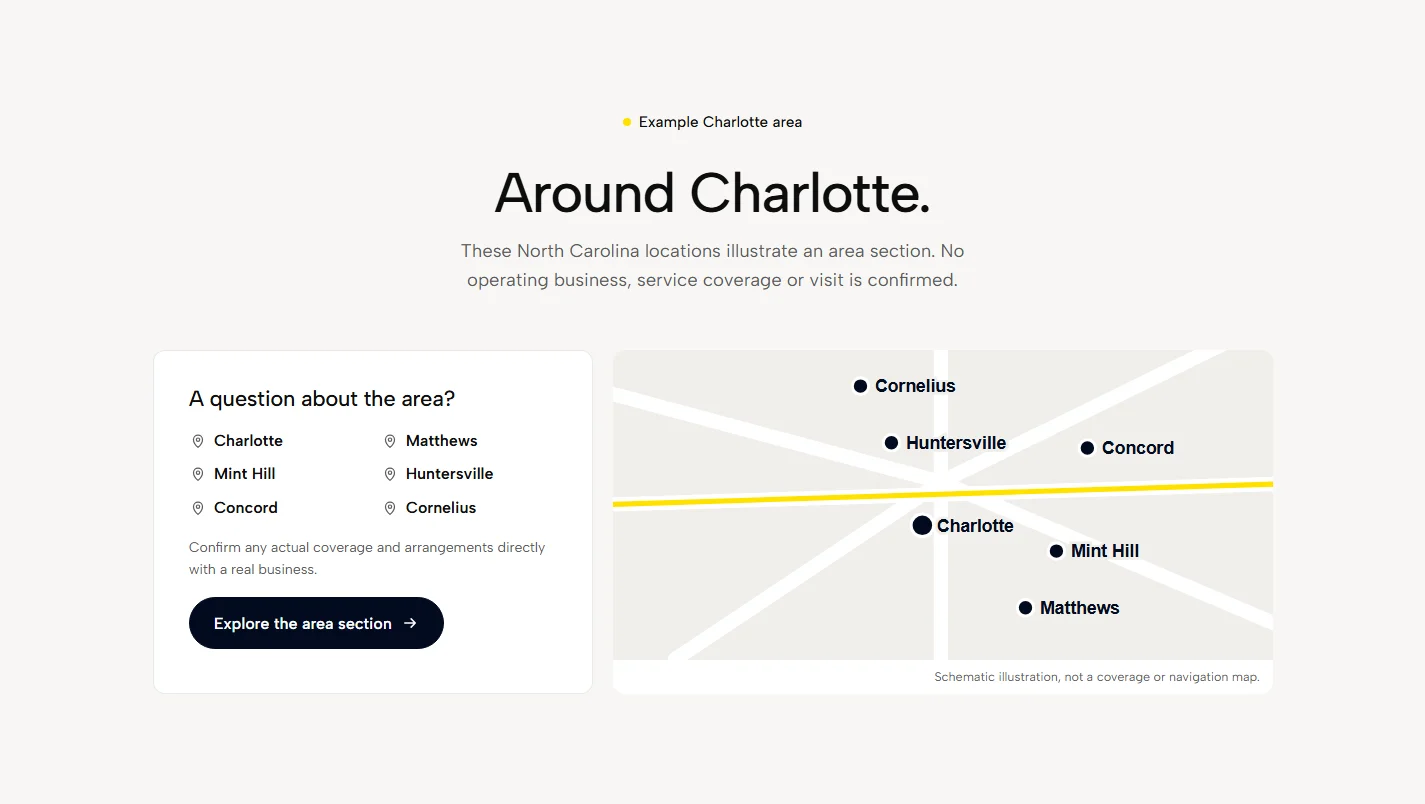
  • Useful coverage pages for areas you actually serve
Discuss this website scope

All amounts are in USD. Website package prices are starting prices; your written proposal confirms the exact scope, total and any applicable taxes before work begins.

Compare the full package details

How your project works

See the site. Then decide.

  1. 01

    Tell us about the work

    Send the form or request a video call; we send your Teams link separately. We ask about your services, service area and the jobs you want.

  2. 02

    Agree the price and scope

    You get a written fixed price, page list and project scope. You know what is included before the build starts.

  3. 03

    Review your website

    We build your site for review. Check the words, design and details, and approve the agreed work before paying.

  4. 04

    Pay, then launch

    Once payment clears, we put the approved site live. Your website belongs to you; ongoing services are listed separately.

Sources and checked dates

Start with a website plan

Tell us your trade, service area and what needs to change. We will set out the next step by email or over a booked video call.

A reply within one business day.